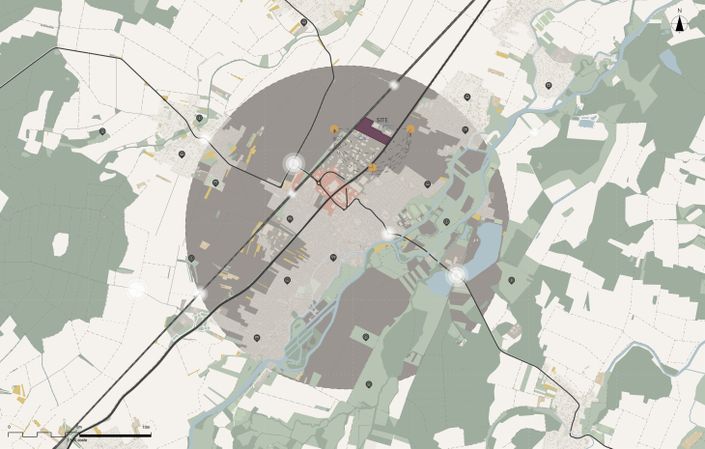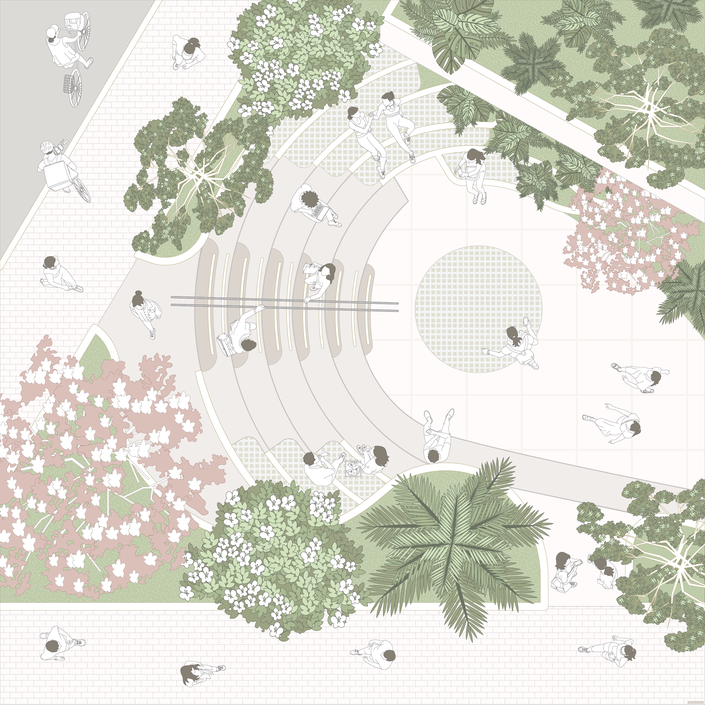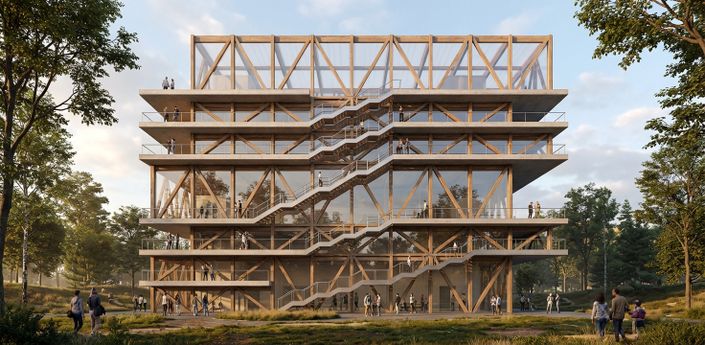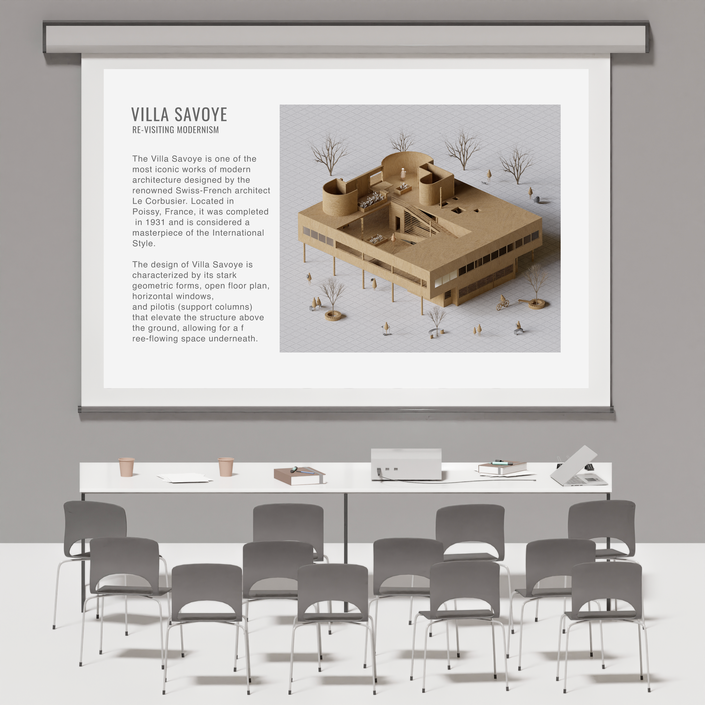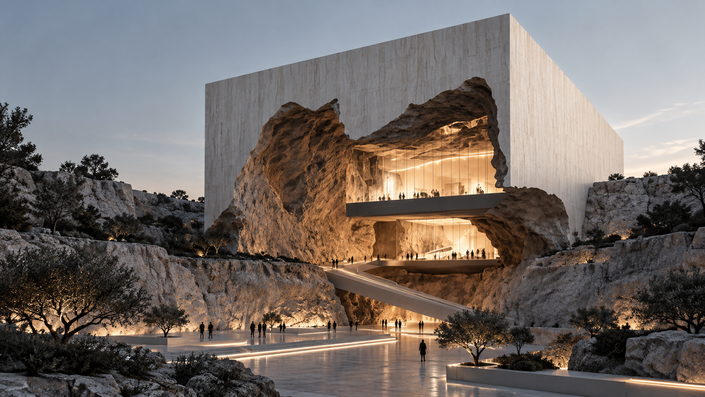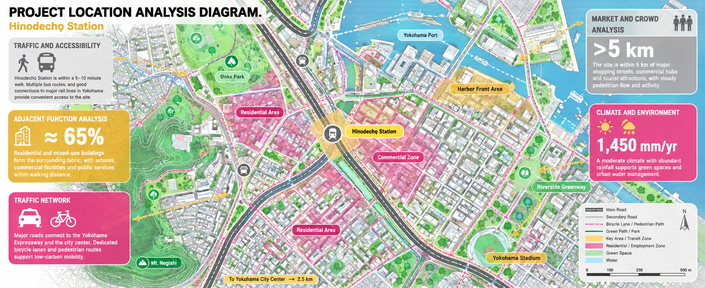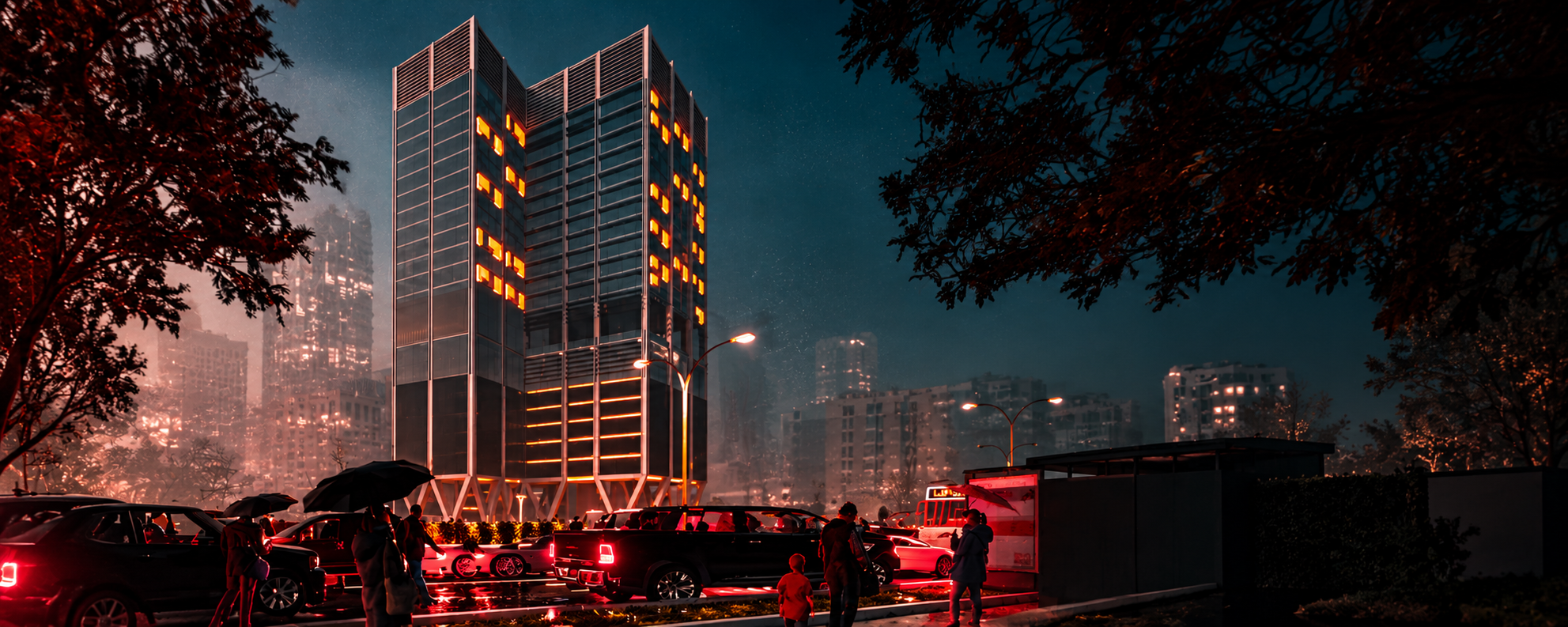
The Lumion Course by Marsam El Marsam, led by Rand Atallah, is a practical training program designed to help architecture and interior design students transform 3D models into realistic, high-quality architectural visualizations.
The course covers the essential techniques of architectural rendering, focusing on materials, lighting, landscaping, environmental context, and atmosphere to create compelling visual experiences that communicate design intent effectively.
Through a hands-on workflow, participants will learn how to prepare and import 3D models, develop realistic scenes, control lighting and camera settings, and produce professional-quality renders suitable for portfolios, presentation boards, academic projects, and professional practice.
Example Curriculum
- Download and Install Lumion (3:11)
- Lumion Welcoming Interface (4:33)
- Landscape and Weather (5:41)
- Landscape and Weather PART02 (5:16)
- Materials (9:45)
- Materials PART02 (3:07)
- Objects (9:33)
- Effects Sun (8:12)
- Effects Weather (4:34)
- Effects Sky (7:30)
- Effects Camera PART 01 (7:30)
- Effects Camera PART 02 (7:25)
- Effects Advanced PART 01 (6:50)
- Effects Advanced PART 02 (8:10)
- Effects Advanced PART 03 (12:56)
- Post Production Photoshop (5:53)
- Import Models to Lumion (5:54)
- Lights Interior (17:09)
- Movie Basics (12:39)
- Movie Advanced (22:41)
- Final Exercise (19:53)
KEY TOPICS
- Model Preparation & Importing: Preparing 3D models and establishing an efficient workflow in Lumion.
- Materials & Textures: Applying realistic materials and refining surface qualities.
- Landscape & Environment: Creating detailed surroundings with vegetation, people, vehicles, and urban elements.
- Lighting Techniques: Working with natural and artificial lighting to enhance realism.
- Camera Composition: Selecting professional camera angles and composing architectural shots.
- Mood & Atmosphere: Creating distinctive visual moods through weather, time of day, and atmospheric effects.
- Rendering & Output: Optimizing render settings to achieve high-quality visual results.
- Post-Production: Refining final images to improve their visual impact and presentation quality.
Example Featured Products
Showcase other available courses, bundles, and coaching products you’re selling with the Featured Products block to provide alternatives to visitors who may not be interested in this specific product.